Preparing for an online interview: camera, connection, and a back-up plan
Video call interviews are now a common stage, especially for early screening. They're convenient because you don't have to travel, but small technical problems such as choppy audio or a dark camera can spoil the first impression. A little preparation the day before lets you focus on your answers.
 Resmi.ID Team · 5 min read ·
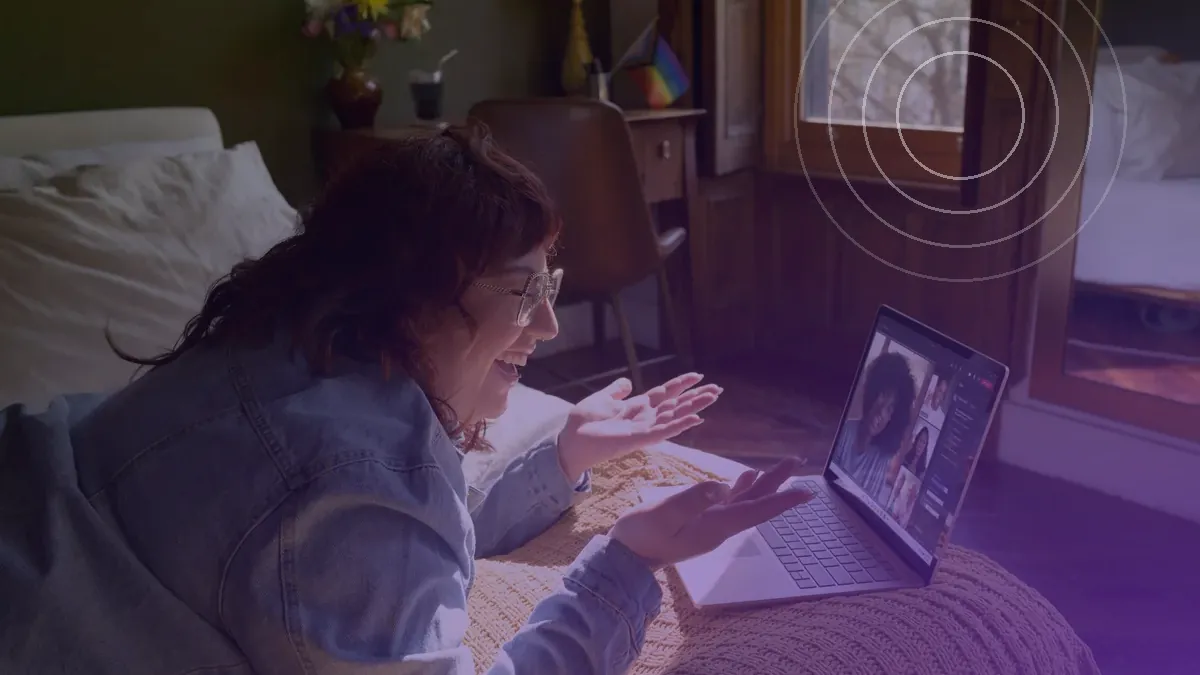 Photo: Windows / Unsplash
The day before
- 1Confirm the appCheck which platform is being used (Google Meet, Zoom, Microsoft Teams, or another) and install or update it.
- 2Test the meeting linkOpen the invitation link to make sure it works, and note any meeting ID and passcode.
- 3Set your display nameUse your full name, not a nickname or an old account name.
- 4Prepare your devicesCharge your laptop and phone, keep chargers nearby, and make sure you have enough data.
- 5Choose your spotPick a quiet room and tell your household your schedule so you're not interrupted.
- 6Review the materialReread the job description, the CV you sent, and basic information about the company.
Camera, light, and sound
- Place the camera at eye level; prop your laptop on books if needed.
- Sit facing a light source such as a window, not with it behind you.
- Choose a simple, tidy background; a blurred or virtual background is fine if your room isn't ideal.
- Use earphones or a headset with a microphone for clearer sound without echo.
- Turn off notifications on your laptop and phone, including WhatsApp group alerts.
Checklist for the 15 minutes before
- Test your camera and microphone using the app's preview.
- Close unnecessary apps and tabs so your connection and device aren't overloaded.
- Have a glass of water, your CV, and brief notes beside the screen.
- Save the recruiter's number on your phone in case your connection drops.
- Join the meeting 3–5 minutes early, with your microphone muted until the interviewer arrives.
If you only have a phone
A phone interview over video can still go well. Rest your phone in landscape on a stack of books or a stand so the picture doesn't wobble, turn on do-not-disturb so other calls or notifications don't interrupt the video, and make sure the battery is full or the phone stays plugged in throughout.
If your connection drops
Technical problems can happen to anyone, and interviewers generally understand. What they notice is how you handle it. Try to rejoin quickly; if that fails within a minute or two, send the recruiter a short message.
Sample message: "Good afternoon Ms Rina, I'm sorry, my connection dropped during our 10:00 interview. I'm trying to rejoin now. If it's easier, I'm happy to continue by phone."
If the audio cuts out mid-question, don't guess. Say politely: "Sorry, your audio cut out for a moment. Could you repeat the question?"
Prepare your content, not just your devices
Technical preparation is only half the job. Also prepare answers to questions that almost always come up, such as "Tell me about yourself", "Why are you applying here?", and "Tell me about a problem at work that you solved". Write the key points on a small sheet you can glance at without looking down for too long.
Prepare two or three questions for the interviewer as well, such as "What would the targets be for the first three months in this role?" or "What are the next stages of the selection process?". If the interview includes an online test or screen sharing, make sure your desktop is tidy and that no personal tabs or files are open.
Etiquette during the interview
- Dress as you would for an in-person interview, including below the waist; you might need to stand up.
- Look at the camera when you speak, not at your own face on screen.
- Pause briefly before answering, as there's a slight audio delay.
- Don't read your notes constantly; just glance at key points.
- Don't record the interview without the interviewer's permission.
After the interview
Send a short thank-you the same day by email or message, mention one thing you learned from the conversation, and confirm your interest in the role. Also note any questions you found hard so you can prepare for the next stage.
Be wary of suspicious online "interviews": a recruiter who refuses to turn on their camera, asks you to install an app from an unknown link, or asks for your bank details and OTP codes. Legitimate companies never ask for your OTP code.
On KarirResmi, you can confirm an interview invitation directly, or request another time if it clashes. Follow what happens next on your application status timeline.